The speed and clarity of communication can make or break client relationships in the rapid online world of today. Time is a must for anyone working in customer service, small business control, or marketing. In this case, WhatsApp Meta Templates may allow more rapid and simple communication.
What Are WhatsApp Meta Templates?
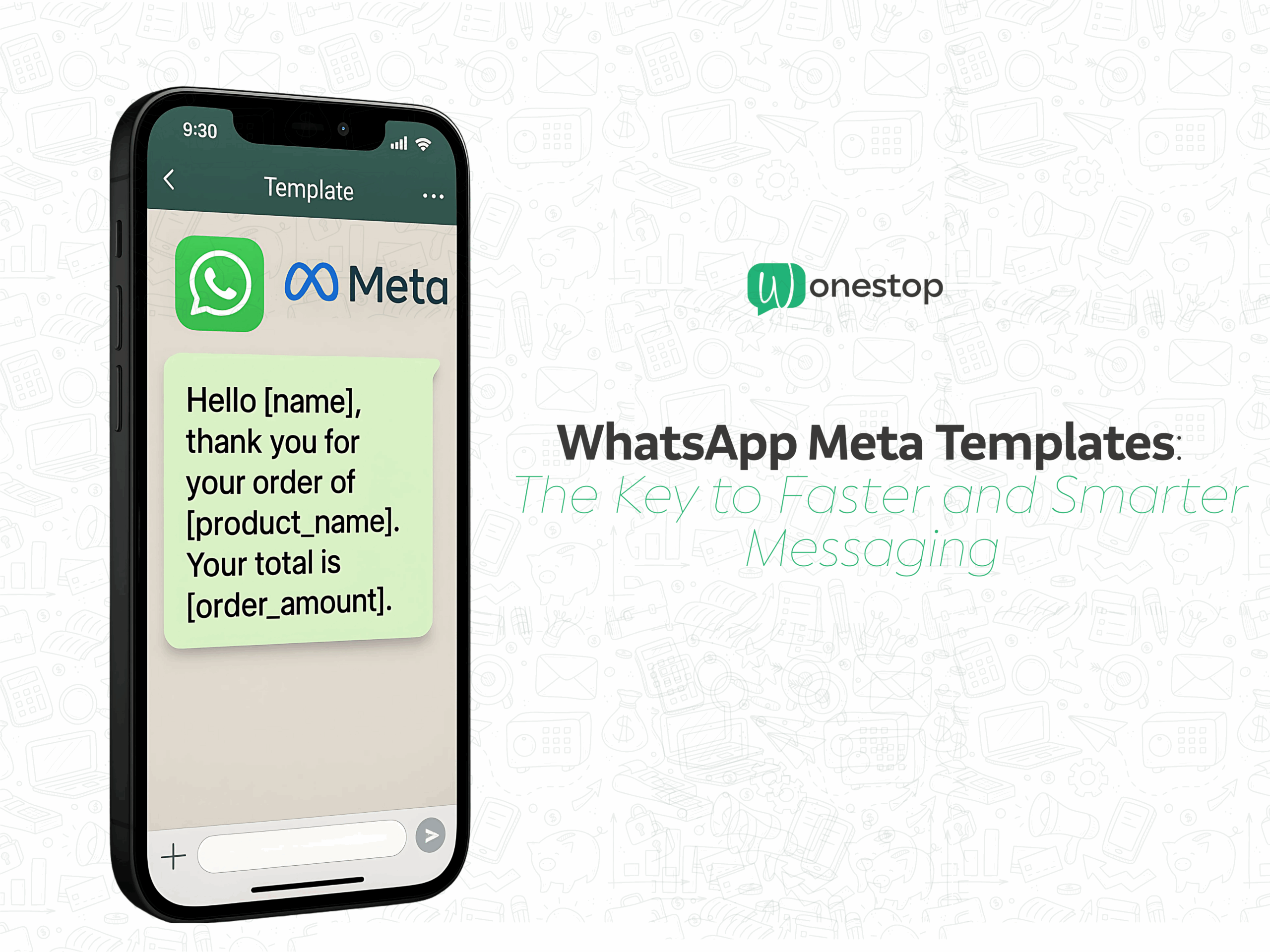
WhatsApp Meta Templates are approved message formats created using the WhatsApp Business API (managed by Meta) that allow you to send clients uniform, branded, and compliant messages.
Template messages are important for the following reasons: They can be sent to receivers even after the 24-hour customer service window, unlike traditional WhatsApp messages that require previous customer engagement.
- Sending appointment reminders
- Sharing payment confirmations
- Announcing offers or promotions
- Following up with inactive leads
Meta reviews and approves these templates to make sure they provide a great user experience and fulfill WhatsApp’s requirements.
Why Are They the Key to Faster and Smarter Messaging?
Think of WhatsApp Meta Templates as your ready-to-use communication toolkit. Once allowed, sending them to thousands of clients is simple and guarantees:
- Time savings—You won’t have to repeatedly type the same messages.
- Brand Consistency – Every message follows the same tone, style, and structure.
- Higher Response Rates—WhatsApp is far more effective than emails, with an open rate of over 90%.
- Global Compliance—Messages conform to WhatsApp’s strict policies, avoiding delivery problems.
It’s similar to having a personal assistant that consistently and perfectly delivers your message.
Types of WhatsApp Meta Templates
To make messaging truly smart, WhatsApp offers several types of templates:
1. Transactional Templates
For updates on deliveries, payment receipts, or order confirmations.
Example: “Hi [Name], your order #[Order Number] has been shipped and will arrive by [Date].”
2. Promotional Templates
For announcing discounts, new arrivals, or limited-time offers.
Example: “Hi [Name], enjoy 15% off on your next purchase! Use code WELCOME15.”
3. OTP and Verification Templates
For sending one-time passwords and account verification codes securely.
Example: “Your OTP is [Code]. It’s valid for 10 minutes.”
4. Customer Support Templates
For follow-ups following services or responding to inquiries outside of the 24-hour window.
Example: “Hi [Name], We wanted to check if your issue has been resolved. Can we assist further?”
How to Create a WhatsApp Meta Template
Making a template that works requires creativity, clarity, and conformance. The following is a simple, step-by-step guide:
- Log in to WhatsApp Business Manager
Access your account through Meta’s Business Manager dashboard.
- Go to the ‘Message Templates’ Section
Here, you’ll find the option to create a new template.
- Choose the Template Category
Select from Utility, Marketing, or Authentication.
- Write Your Message
Use variables like [Name] or [Order Number] to personalize the message.
- Submit for Meta Approval
Templates are examined by Meta to make sure they are not deceiving, spammy, or banned.
- Start Sending
Once approved, integrate with your CRM or automation tool, such as Wonestop, and start sending!
Best Practices for WhatsApp Meta Templates
The following golden rules can help you make them work for you:
People scan WhatsApp messages, so make sure your message is short and direct.
Personalize with Variables—Use customer names or order details to make it feel one-on-one.
Maintain a Friendly Tone—Avoid robotic language; sound human.
Stay Compliant—Avoid overly promotional or misleading content that could lead to template rejection.
Test Before Sending—Send test messages to yourself or your team to spot errors.
Benefits for Businesses
If you’re wondering how WhatsApp Meta Templates impact your business, here’s the short answer: massively.
Faster Customer Service – Resolve queries in minutes instead of hours.
Improved Sales—Quickly send offers to boost conversions.
Better Retention – Follow up with customers regularly without extra effort.
Higher Trust—Professional, consistent messages build brand credibility.
Imagine you run an online clothing store. You can set up templates for:
Order confirmation: “Hi Sarah, thanks for shopping with us! Your order #4532 will arrive on August 10.”
Delivery update: “Hi Sarah, your package is out for delivery. Keep your phone handy!”
Special offer: “Hi Sarah, we’re giving you 20% off your next purchase—valid until August 15!”
With templates, all these messages can be automated, saving you hours every week while keeping customers happy and informed.
The Future of WhatsApp Messaging
Templates will probably become much more interactive as Meta works to improve the WhatsApp Business API, allowing buttons, fast responses, and media-rich forms. This implies that companies don’t need to put in more effort to present deeper and interesting material.
The earlier you adopt this tool, the more competitive advantage you’ll have, especially in industries where response time is critical.
Final Thoughts
WhatsApp Meta Templates are the best tool for sending messages that are expert, funny, and clear in a world where clients want instant communication. They keep communication personal, save time, generate results, and maintain consistent branding.
If you haven’t already, now is the perfect time to integrate WhatsApp Meta Templates into your client communication strategy. Your customers and future self will appreciate it!
Stay fast. Stay smart. Stay connected.